Continue lessons
Courses, chapters, and today's tasks stay easy to find so you can resume quickly.
Keep today's lessons, practice, reviews, and discussions in one calm workspace.
Open Akari in the browser to continue courses, review plans, quiz practice, and community discussions without switching between separate tools. An Android preview client is available for mobile.

From first lesson to long-term review, Akari keeps the everyday study flow inside a clean web workspace.
Courses, chapters, and today's tasks stay easy to find so you can resume quickly.
Turn what you study into recall tasks and reinforce it with spaced review.
Browse by topic, filter suitable practice sets, and review results after each session.
Ask questions and keep course discussions close to the learning context.
Manage your account, learning profile, and preferences in one place.
Jump to pages, content, and settings without digging through menus.
Desktop and mobile screens are shown together so Akari's main study moments are easy to scan.
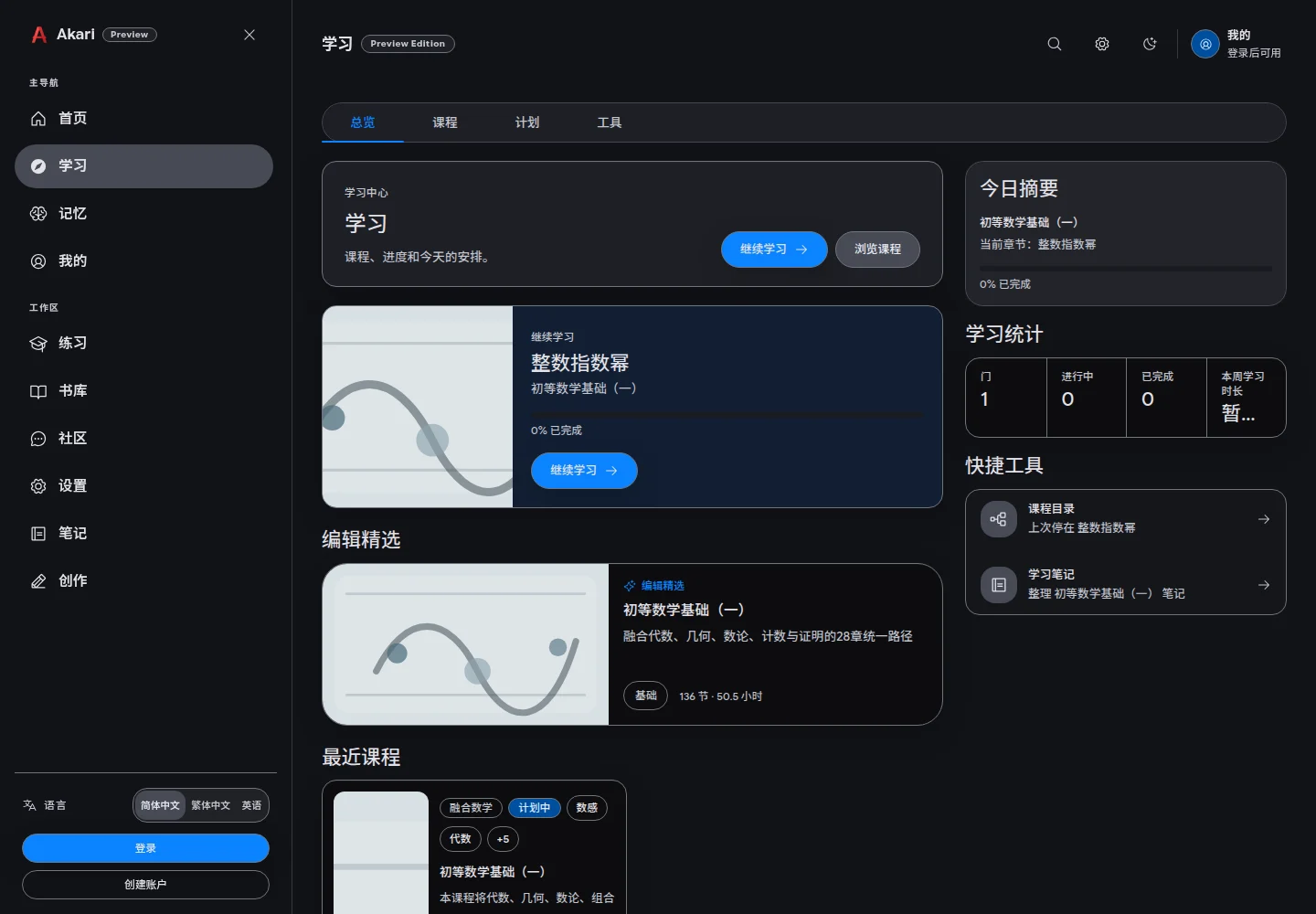
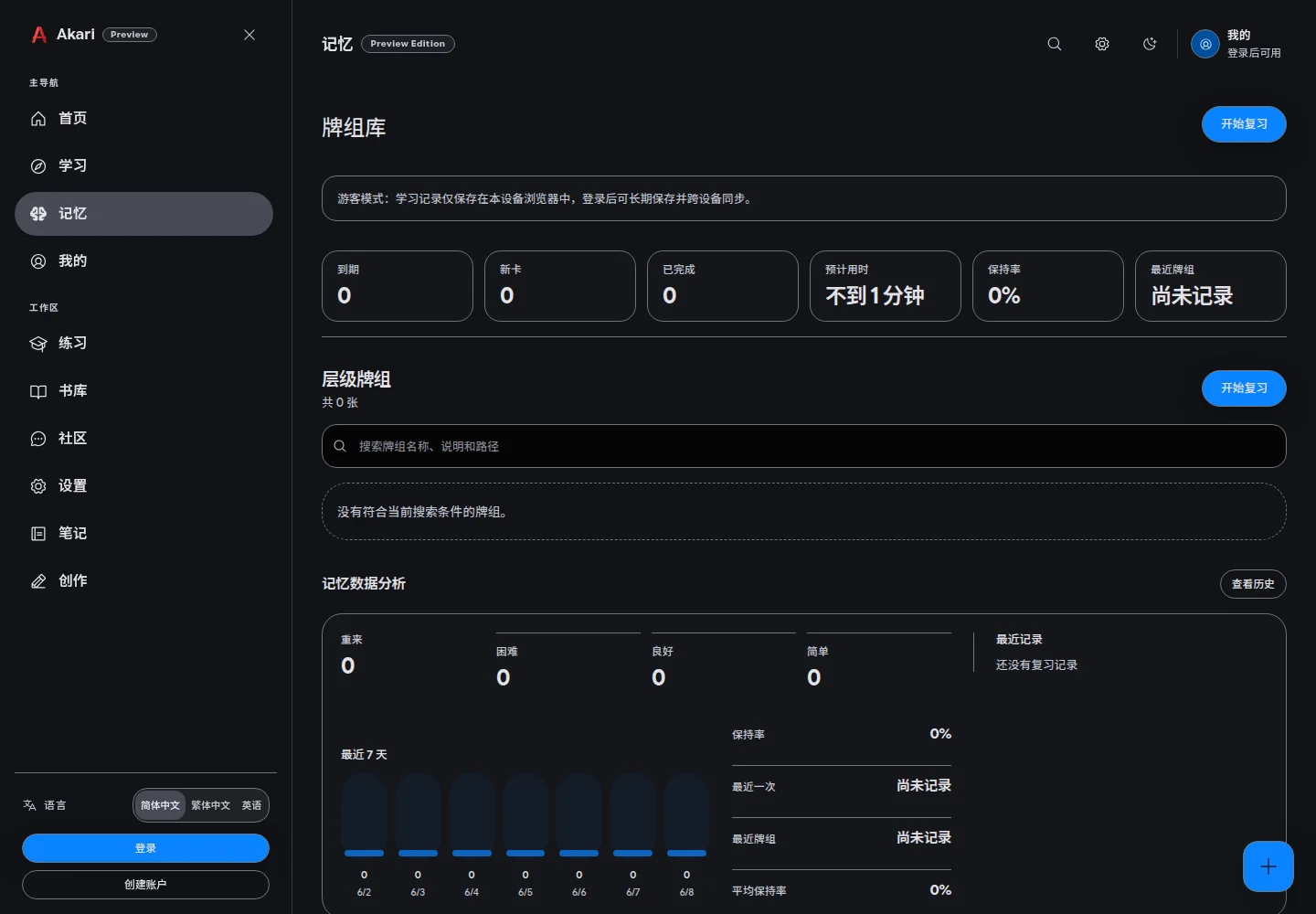
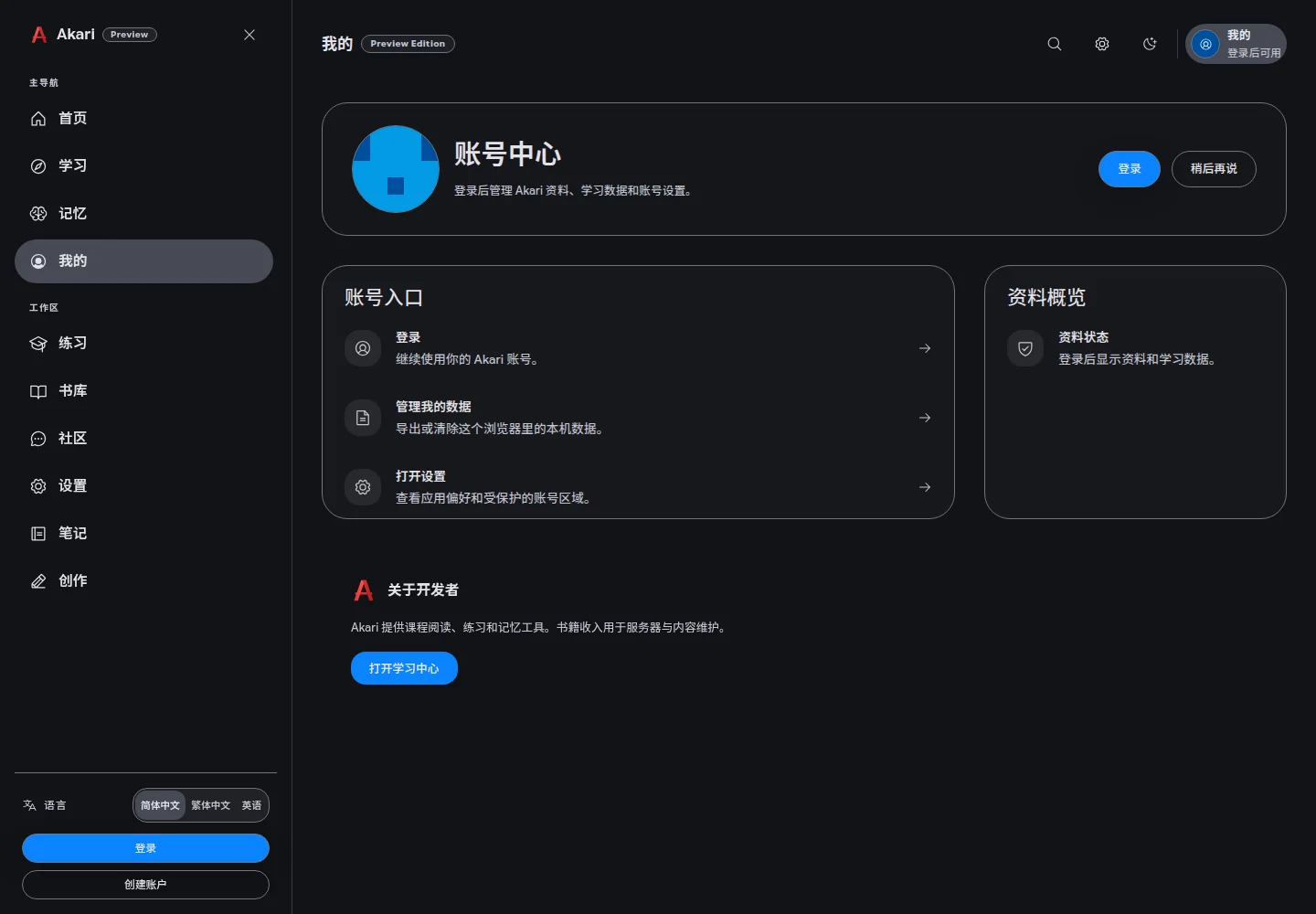
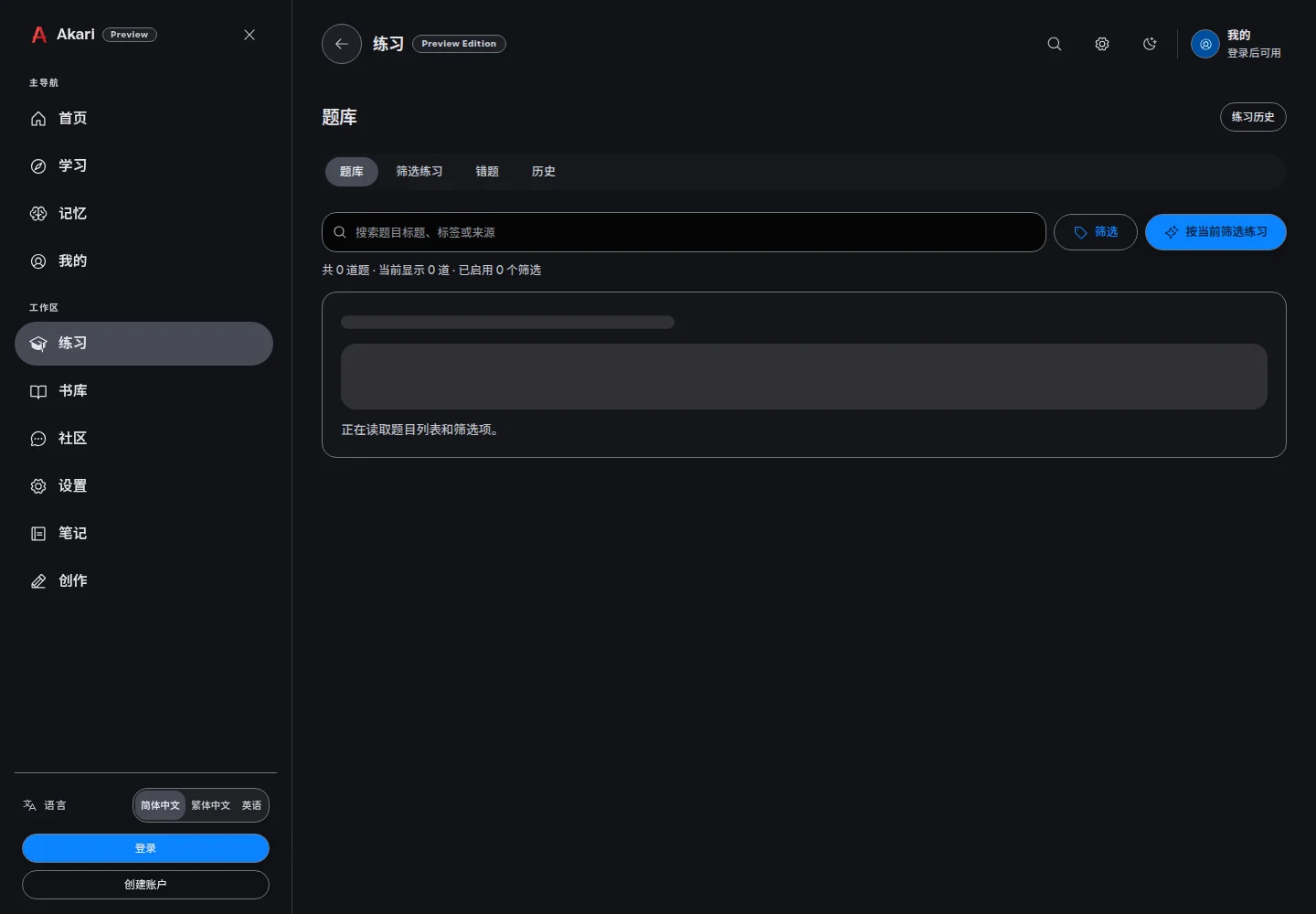
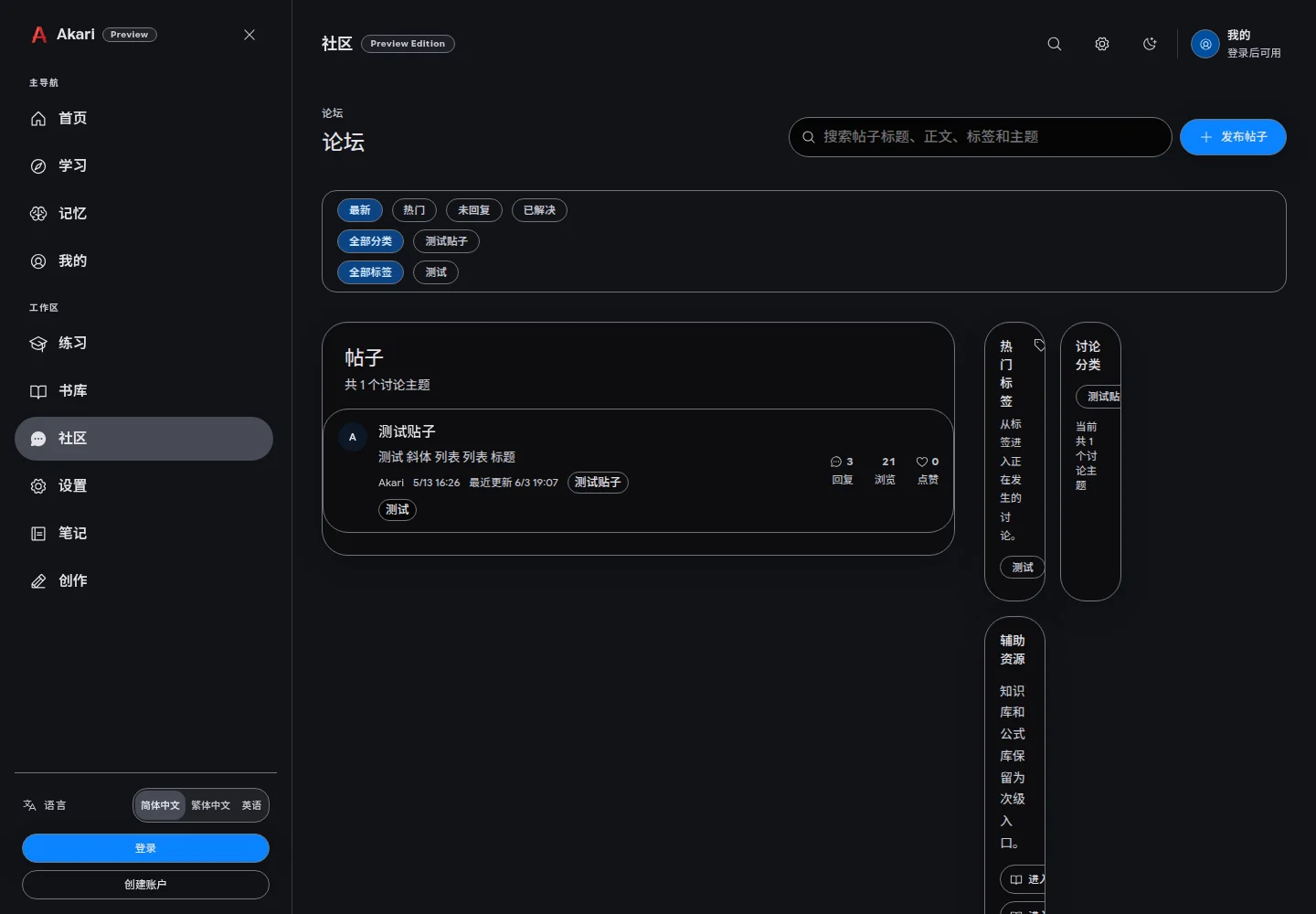
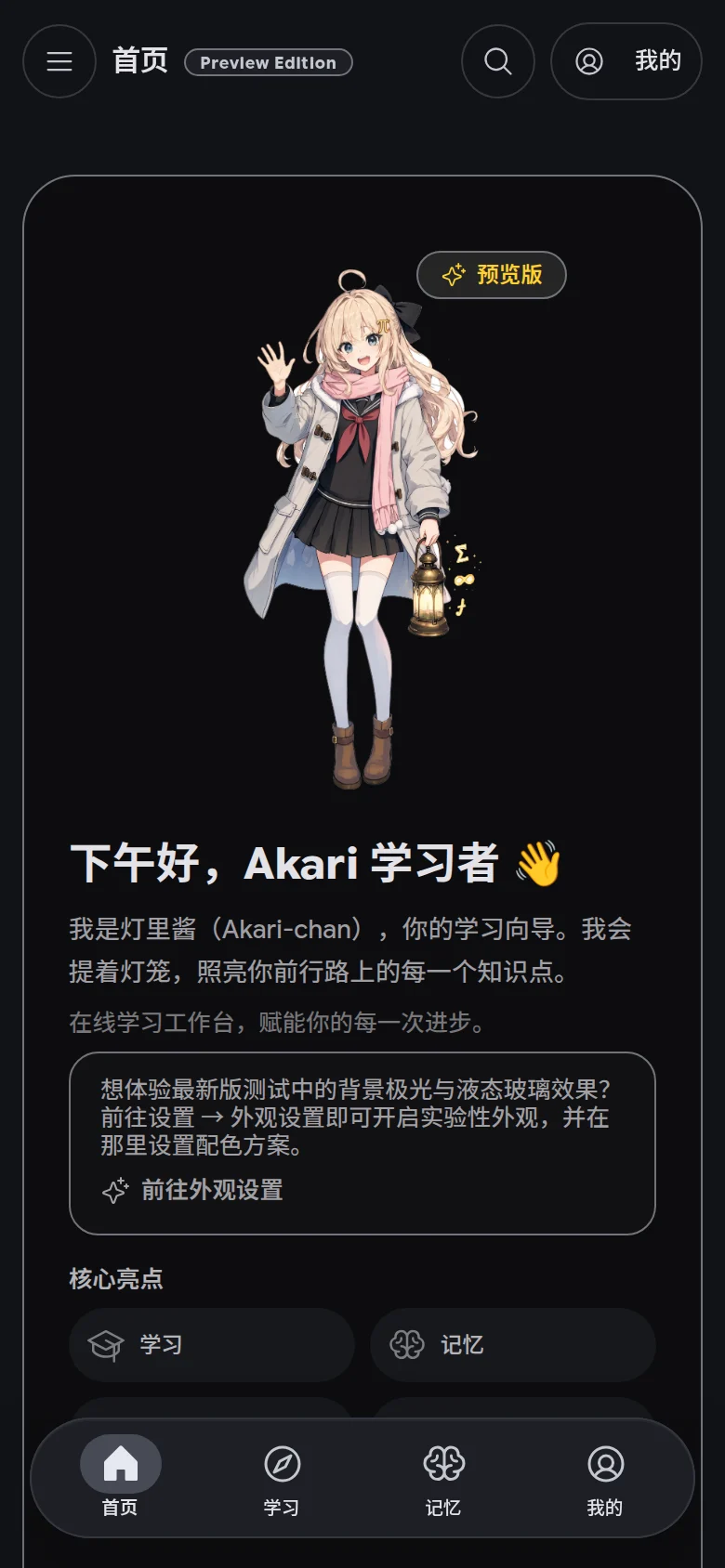
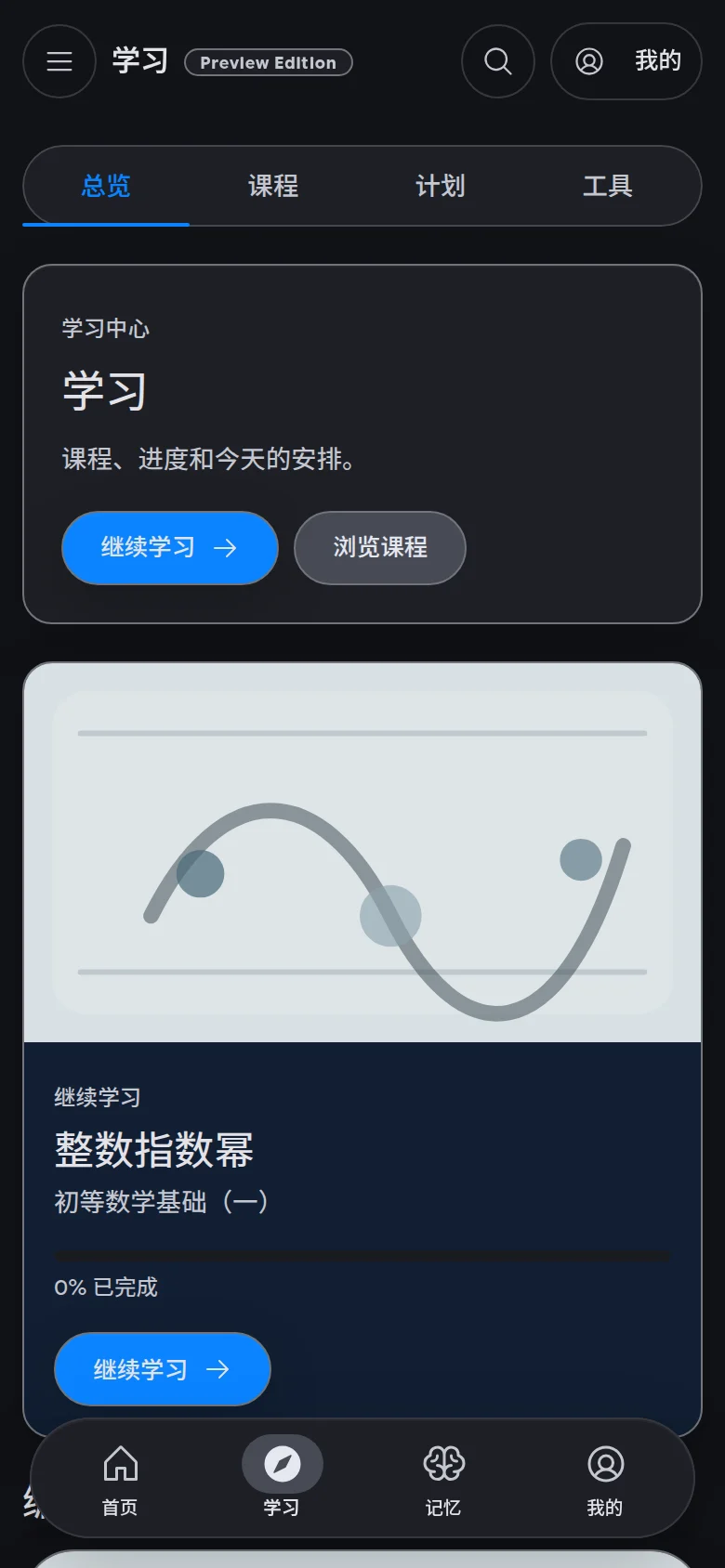
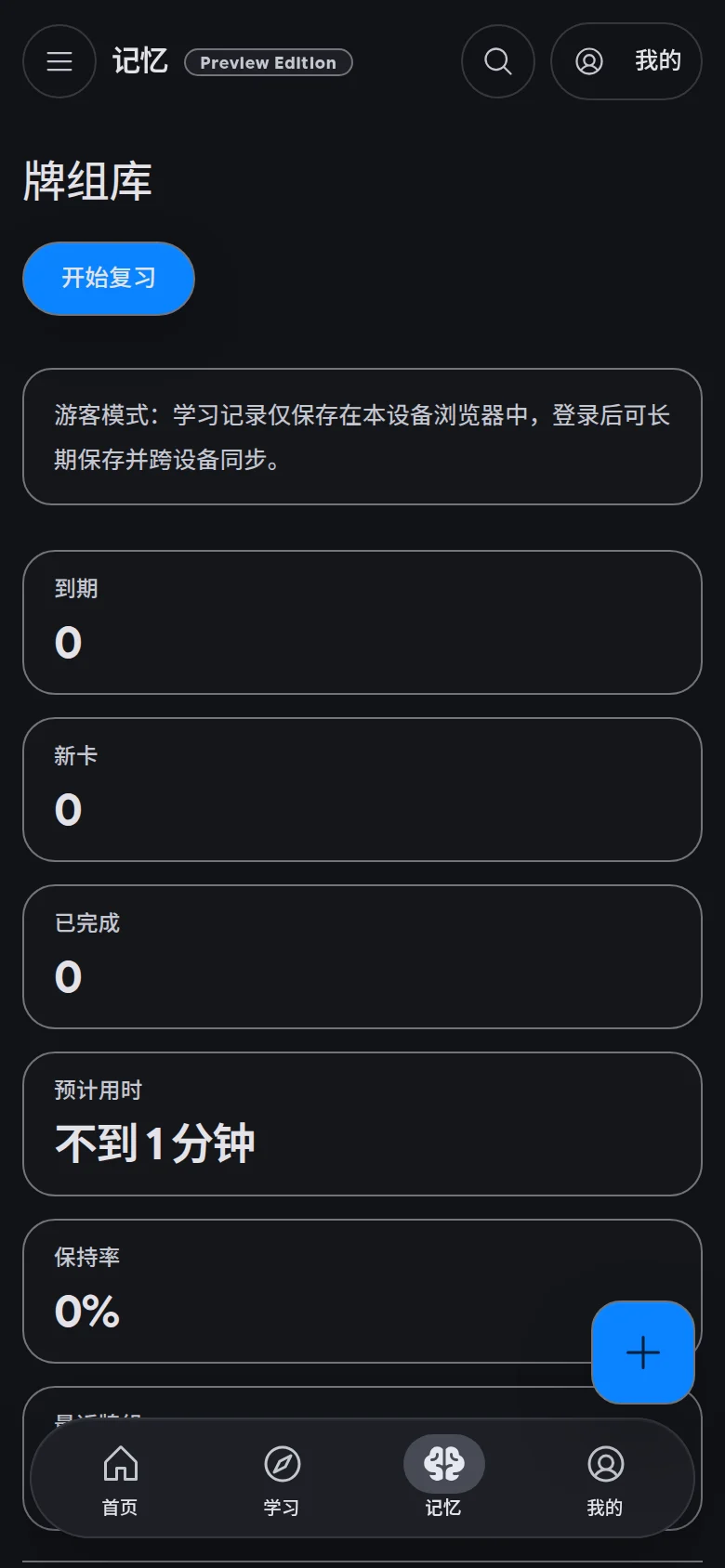
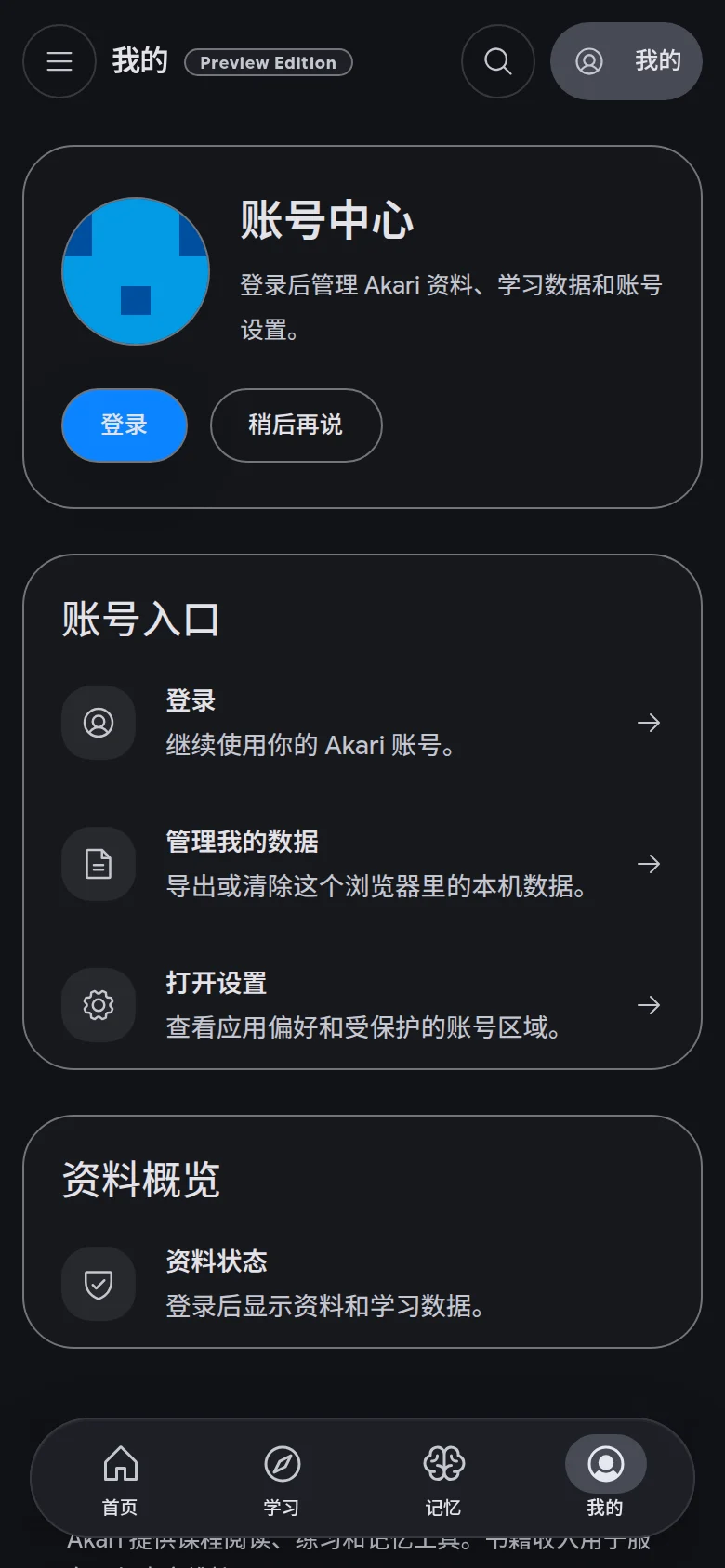
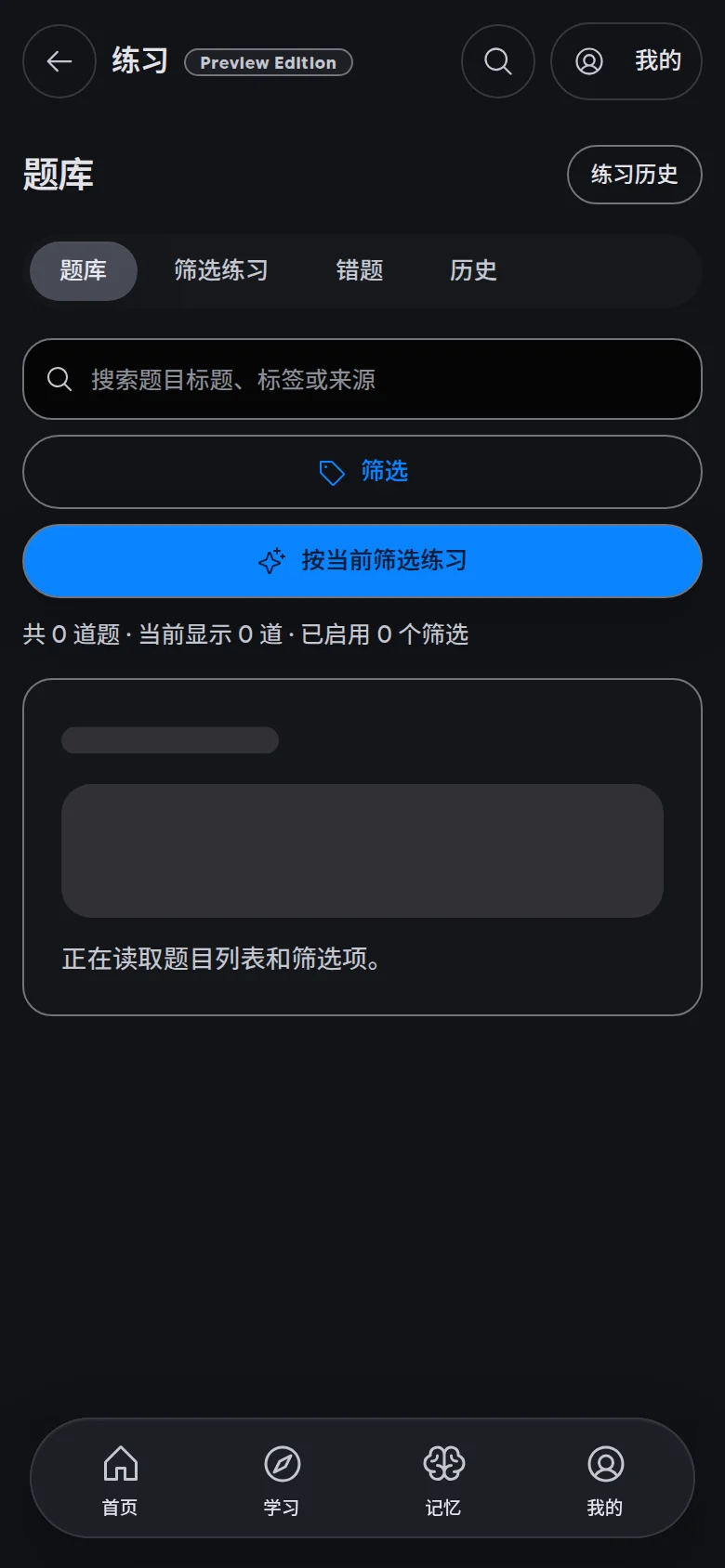
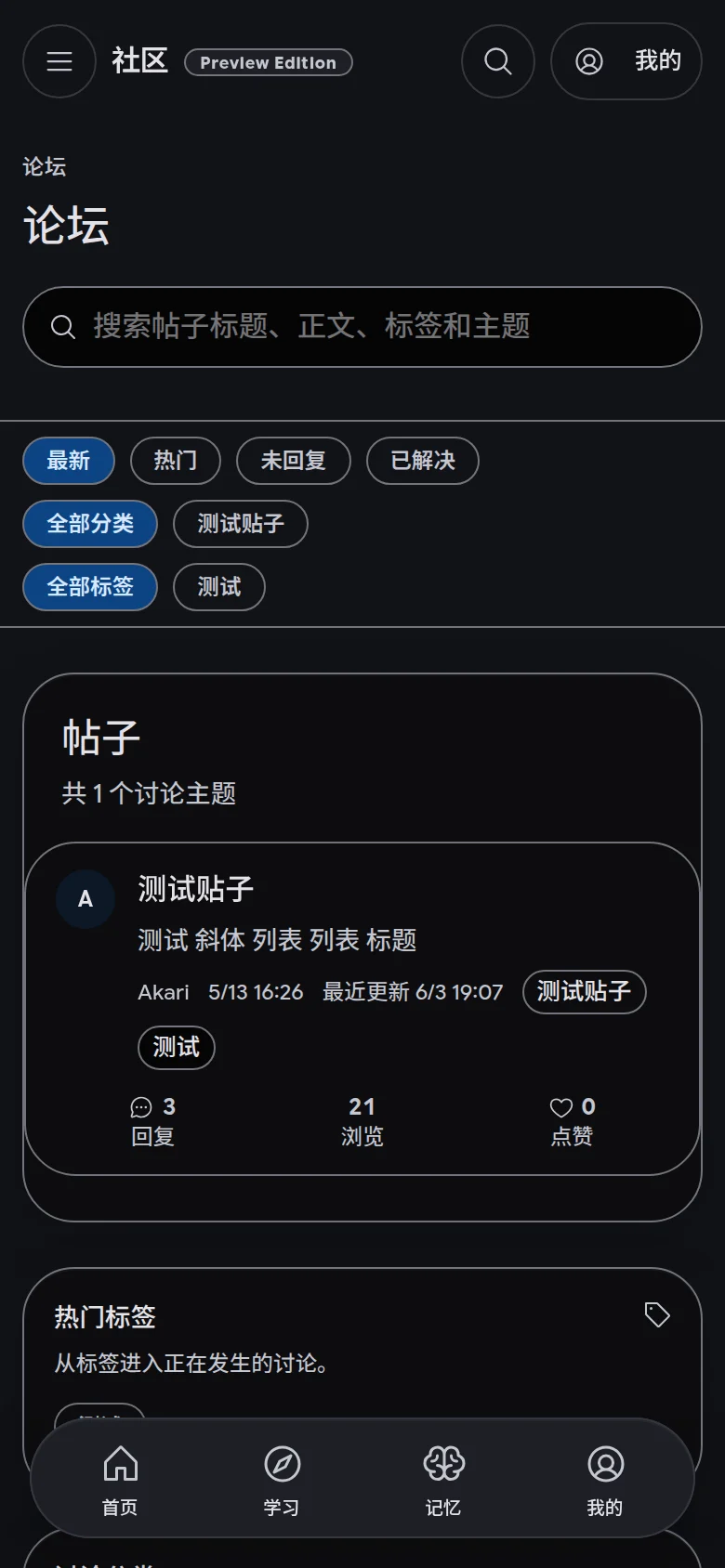

Planning, practice, and review stay connected to the same learning goal.
Akari is for learners who want course progress, quiz practice, memory review, and peer discussion to live in one place.
Start directly from the web app, or install the Android preview client to keep a study entry point on your phone's home screen.
The web app is the primary way to use Akari. Native clients are available as preview builds.
Open in the browser — no installation required. Always up to date.
Open Web AppAPK — Android 8.0+
Download